Radio Frequency Interference in Push-to-Start Systems
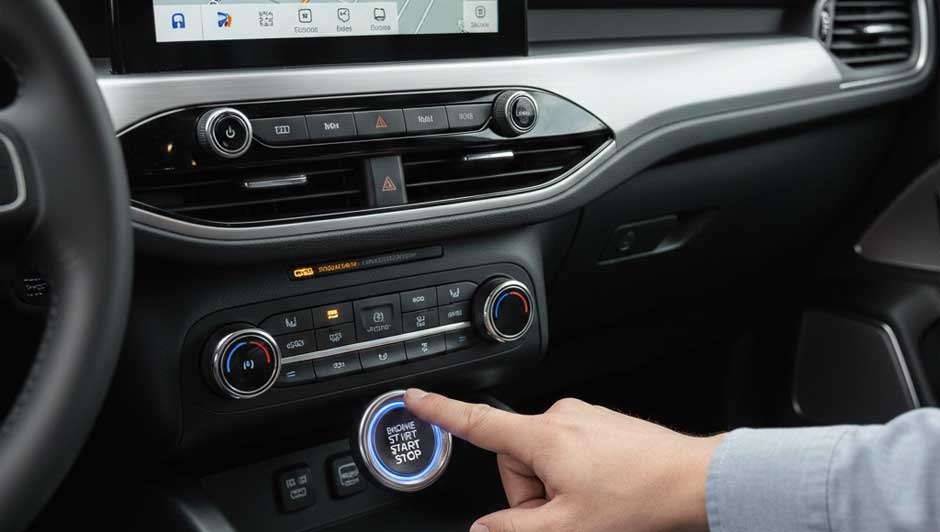
Push-to-start (also called Intelligent Access with push-button start) offers convenient keyless operation in many Ford and Lincoln vehicles. However, it depends on reliable radio frequency (RF) communication between the key fob and the vehicle´s antennas. When external or internal interference disrupts this, you may see a "No Key Detected" message, preventing starting—even with the fob inside the vehicle.
How the System Works
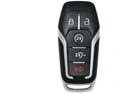
The vehicle sends a low-frequency (LF) signal to "wake up" the nearby key fob. The fob responds with a unique high-frequency code (typically 315 MHz or similar, depending on model/year). If authenticated, the engine starts when you press the button (with brake applied). Disruptions from weak signals, low batteries, or competing RF noise can prevent detection.
Common Symptoms
RF issues often appear intermittently:
- "No Key Detected" Message: Even with fob in cabin.
- Intermittent Starting: Works sometimes, fails others.
- Reduced Remote Range: Trouble locking/unlocking from afar.
- Other Glitches: Occasional dash warnings or accessory interference (less common for key detection).
Sources of Interference
Ford owner manuals note that excessive RF interference can affect the system. Sources include:
- External/Environmental:
- Cell towers, power lines, radio transmitters, or high-RF areas (e.g., near certain buildings or garages).
- Nearby devices like phones, other vehicles´ fobs, or wireless systems on similar frequencies.
- Internal/Aftermarket Accessories:
- Poorly shielded USB chargers, wireless charging pads, or dash cams—some generate electrical noise affecting RF signals.
- Aftermarket LED bulbs (e.g., interior or exterior)—occasional reports of EMI/RFI, especially cheap ones; test by removing or reverting to stock.
- OBD-II trackers or other plugged-in devices—can interfere in rare cases.
- Other Common Causes:
- Weak key fob battery (CR2032)—most frequent culprit; signal weakens below ~2.8–3.0V.
- Low vehicle battery—system needs stable voltage for reliable detection.
Troubleshooting Steps
Try these in order:
- Backup Start Method: Place fob in the designated slot (bypasses most wireless issues, works even with dead fob battery). Locations vary—common spots include:
- Center console storage (e.g., Nautilus, Navigator, many Explorers).
- Under cup holder mat (e.g., F-150, some Fusion/Escape).
- Steering column slot or glove box (model-specific).
- Replace Fob Battery: Use a fresh CR2032; test voltage if possible.
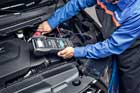
- Check Vehicle Battery: Ensure >12V (ideally >12.6V); weak batteries cause many electronic glitches.
- Eliminate Interference: Move away from high-RF areas; unplug chargers/OBD devices; test without aftermarket LEDs or accessories.
- Reset Attempt: Exit vehicle, lock doors, wait 1–2 minutes, then retry (resyncs sometimes).
When to Seek Professional Help
If issues persist:
- Use Ford IDS/FDRS scan tools for hidden RFA/BCM codes.
- Test fob signal strength.
- Add ferrite beads or reroute wiring if EMI confirmed (dealer/tech job).